Forms can collect employee information and automatically trigger actions such as approvals, onboarding tasks and employee requests. We connect forms directly to workflows so processes move forward without manual follow-up.
X
Frequently asked questions
What is a workflow form builder?
A workflow form builder creates forms whose responses start an automated process, instead of landing in an inbox or a spreadsheet. With 50skills, a submitted form can route a request for approval, create onboarding tasks, send emails or pass data to connected systems, so HR doesn't have to forward, re-key or chase anything once the form comes in.
Can a form submission start an approval workflow?
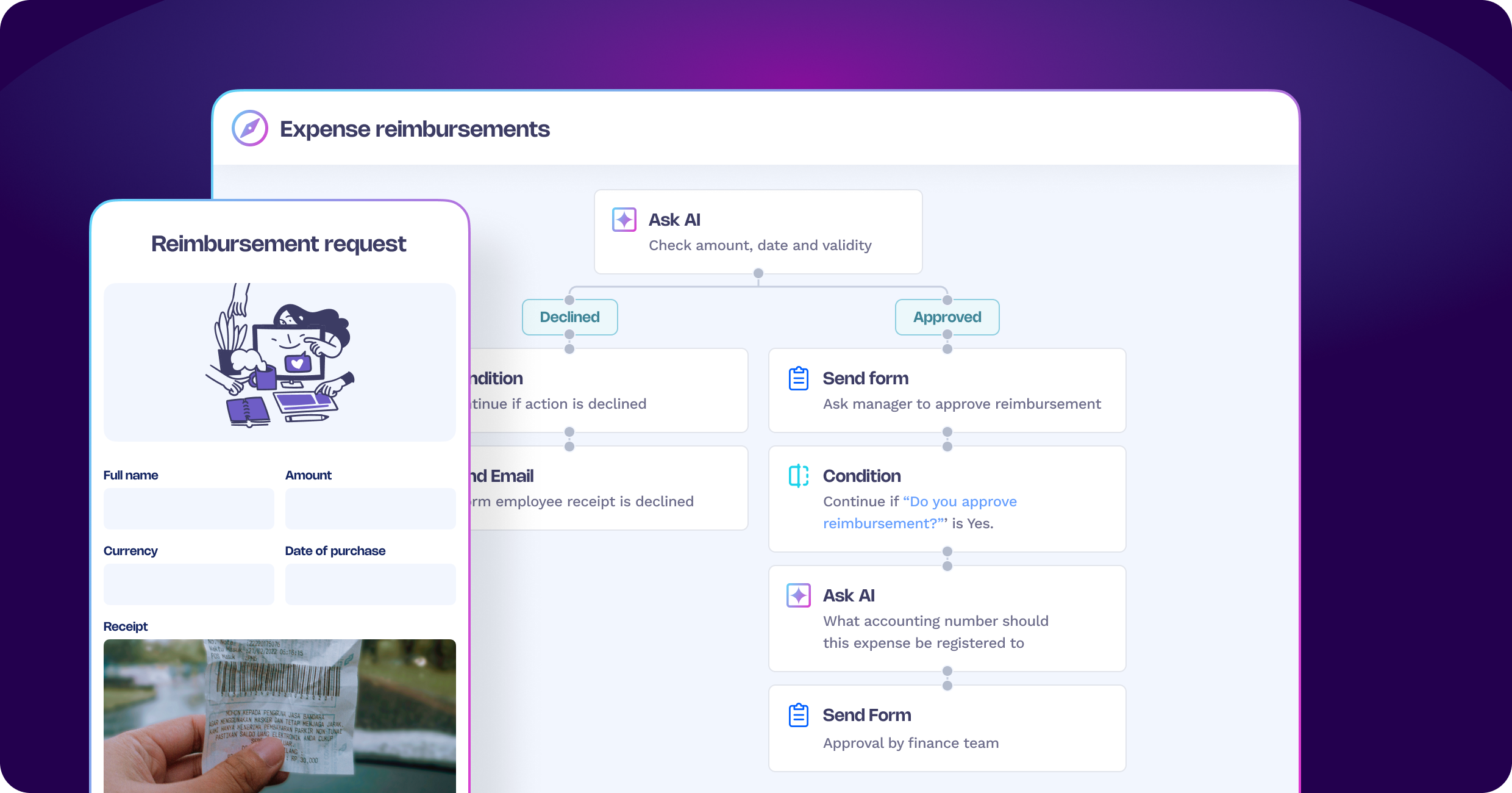
Yes. When someone submits a form, the response can start an approval step straight away, with the answers deciding who approves it and in what order. Notifications and reminders go out automatically, and the decision triggers the next action. Forms can also sit inside a 50skills workflow that's already running, for example to collect a manager's sign-off or a new hire's details at the right step.
What field types does the 50skills form builder support?
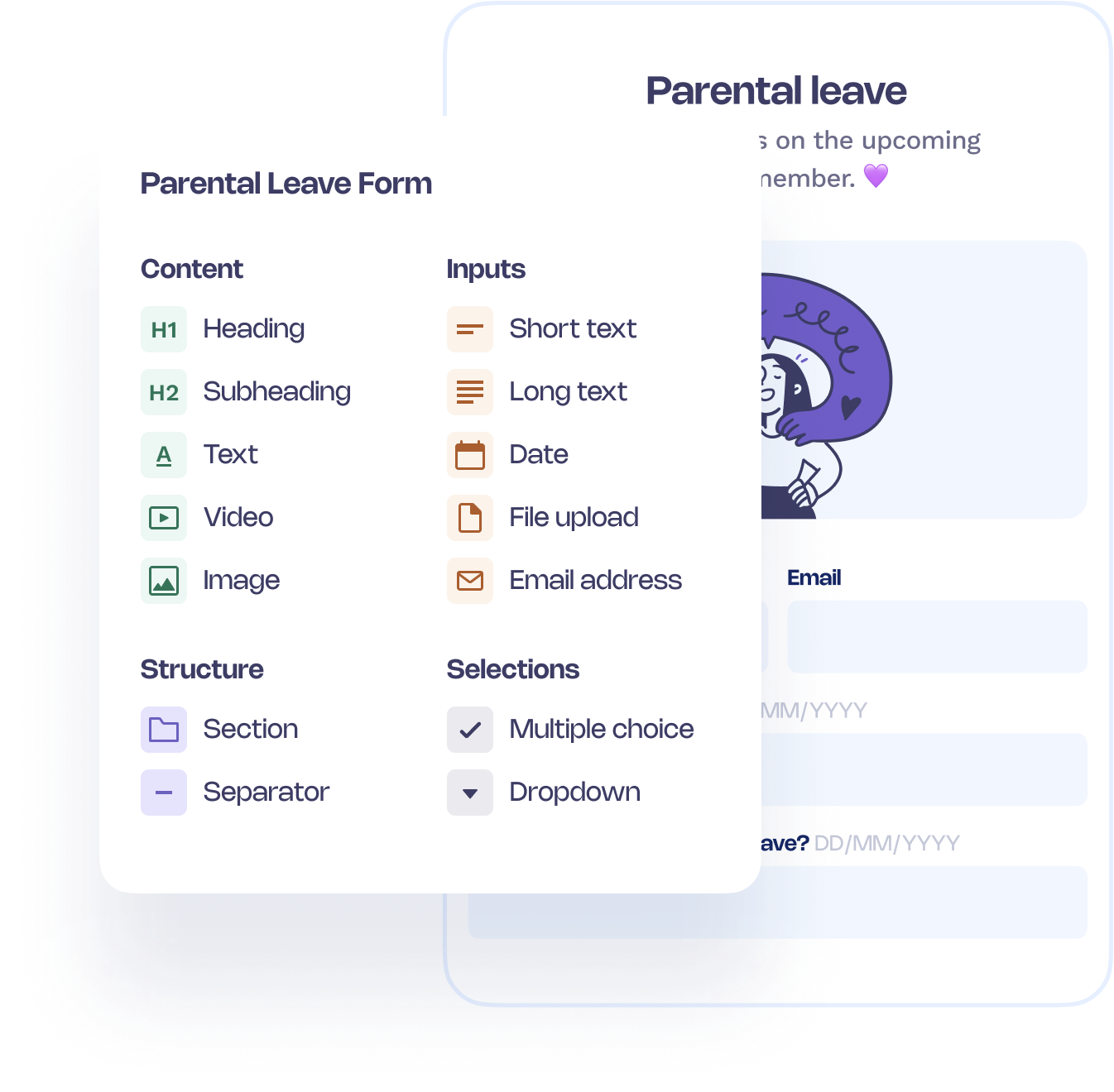
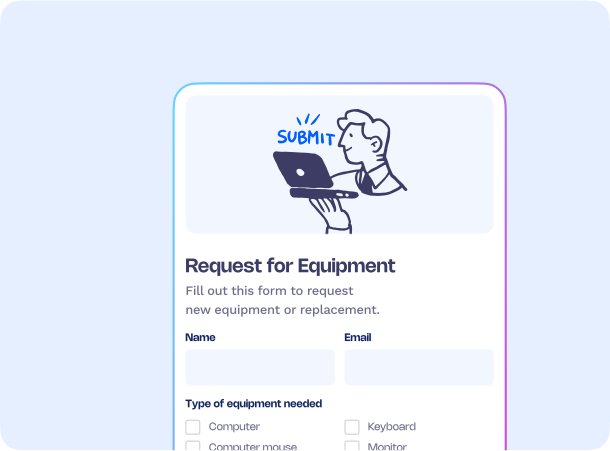
The 50skills form builder supports free text, email, date and file upload fields, plus multiple choice, single choice and dropdown questions. You can add text labels, images and videos to explain what's needed, and split long forms into sections so people complete them step by step. File upload fields let employees attach documents, such as receipts for a reimbursement claim, directly to the request.
Can forms show different questions depending on earlier answers?
Yes. Conditional logic in the 50skills form builder shows or hides questions based on what someone has already answered, so each person only sees what applies to them. A leave request form, for example, can ask for extra details only when parental leave is selected. The workflow behind the form can then branch on the same answers and send each request down the right path.
How do employees find and fill in HR forms?
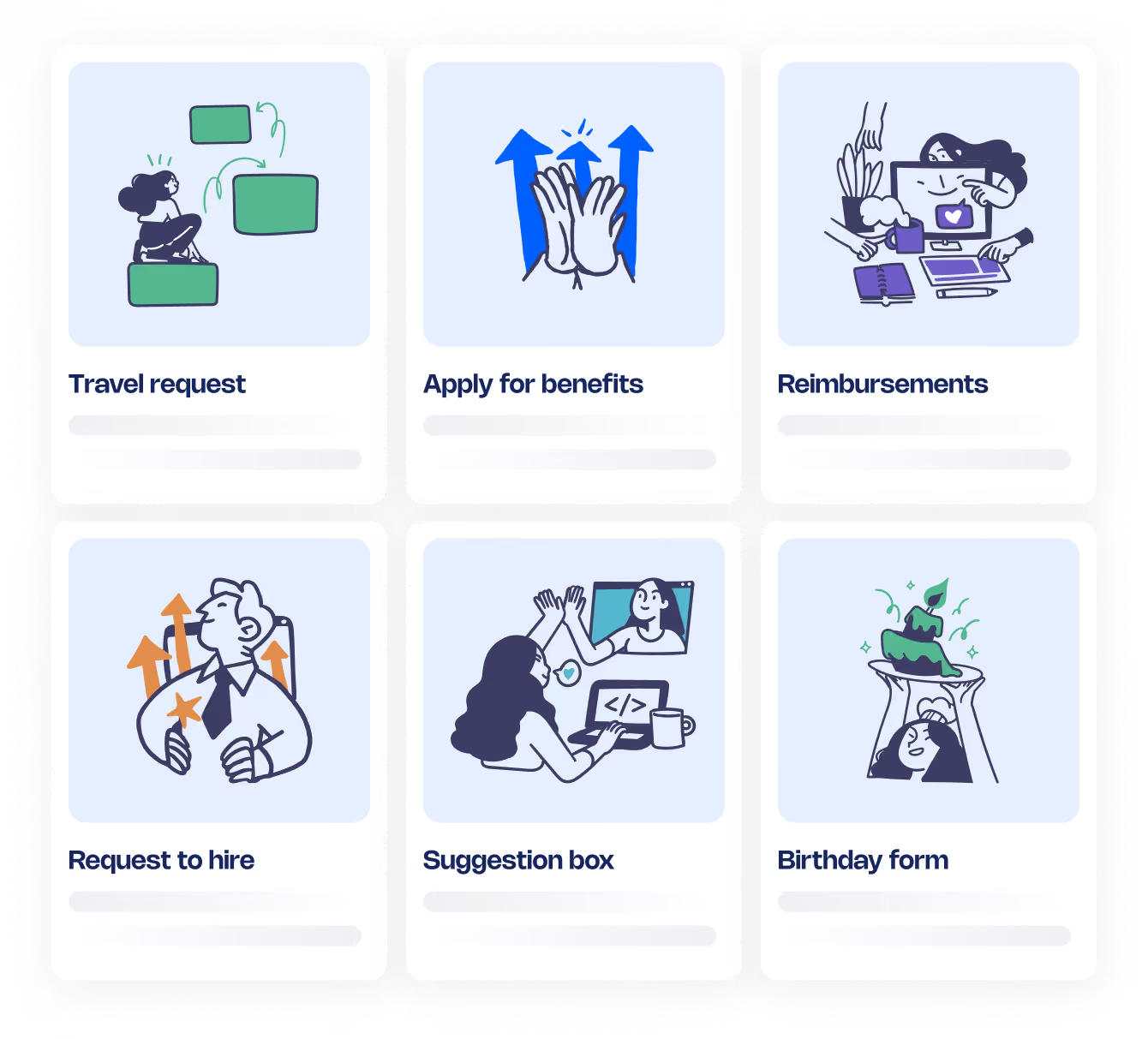
Through a portal or a direct link. 50skills forms can be published to a self-service request portal, so employees find every HR form in one place, or shared with a single link, for example on your intranet or in an email. Each response then triggers its workflow automatically, so nobody has to collect or sort submissions by hand.
Can AI check form responses before a request is approved?

Yes. Form responses can feed AI steps in the workflow, where an AI agent reviews the submission against your criteria, flags missing information, summarises the answers or drafts a reply. The approver then works from a checked, summarised request instead of a raw form. AI is optional in 50skills and can be switched off for your account if you'd rather keep a process fully manual.